
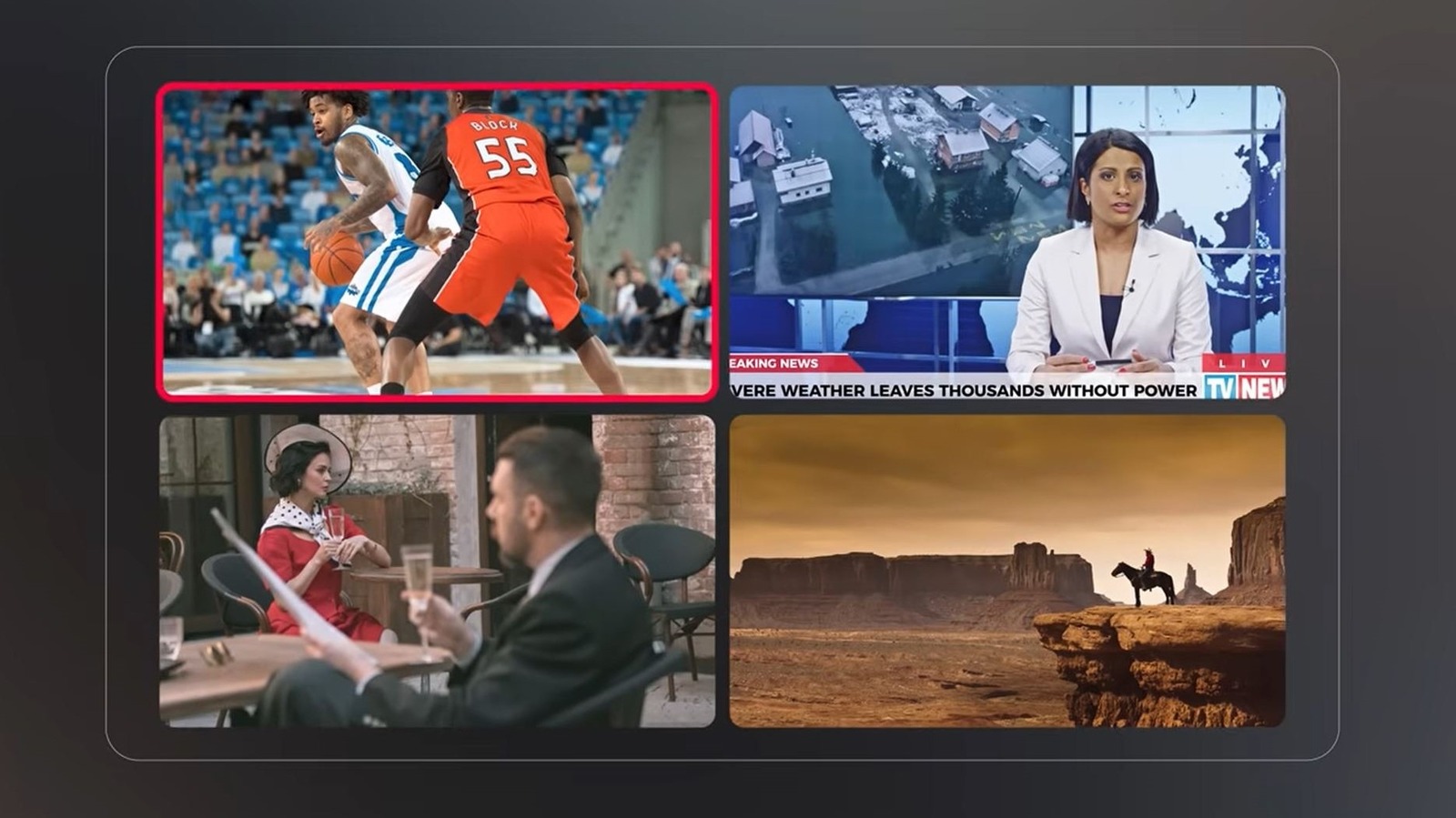

If you often use YouTube TV, you may have realized it’s been enhanced with recent updates. As Google promised, significant changes are being introduced to YouTube TV, influencing various aspects of the service’s functionality. For instance, there are now additional premium plan options, we’ve observed some design and UI modifications, and YouTube TV has rolled out a groundbreaking new feature: multiview customization. Previously, multiview — the proprietary version of picture-in-picture that allows viewing multiple streams concurrently — had limited compatibility with live channels; however, you can now fully personalize what appears in each panel. You can display nearly every live channel available in one of four multiview panes.
You can catch live sports games, include a TV show or movie in the lineup, and monitor other content you’re interested in — such as a channel displaying live financial tickers. Customization is now available, it operates smoothly, and it certainly enhances multiview’s satisfaction compared to before. Nonetheless, there are still restrictions, which raise questions about potential improvements with a few adjustments. To begin with, only live content is supported, meaning DVR or on-demand content cannot be watched simultaneously. Furthermore, some devices won’t support the updated functionality. Google states that “less than 5%” of devices are incompatible, but that number is not negligible.
I can’t help but envision one significant way to make multiview even more beneficial. The ability to select additional TV inputs on supported devices. This may not be feasible, and it wouldn’t apply to mobile, but watching live sports alongside content from another video source in a separate window would be fantastic.
How does the YouTube TV multiview customization truly function?
Once you utilize the feature, adjusting the viewable content in each pane is quite easy. On a compatible YouTube TV device, with content playing, press down on your remote, select the multiview option, and in the feature panel that appears, simply choose which channels you want to watch at the same time. Google refers to this feature panel as the Multiview Builder. You’ll also receive several suggestions, such as “Top Picks for You,” “Watch in multiview” channels, and categories like Sports, TV, and more.
It’s disappointing that you can’t use pre-recorded, DVR content or on-demand selections with multiview. You’re restricted to live channels only, which somewhat constrains your choices. It’s not entirely unreasonable to expect future enhancements. YouTube TV overall has been consistently improving. The TV app recently integrated the Ask feature, which has been accessible on mobile for years, in addition to all the recent updates. With that, you can now request AI assistance to search and discover more about content. Moreover, the new multiview functionality is vastly superior to what it was before, so there’s that.