
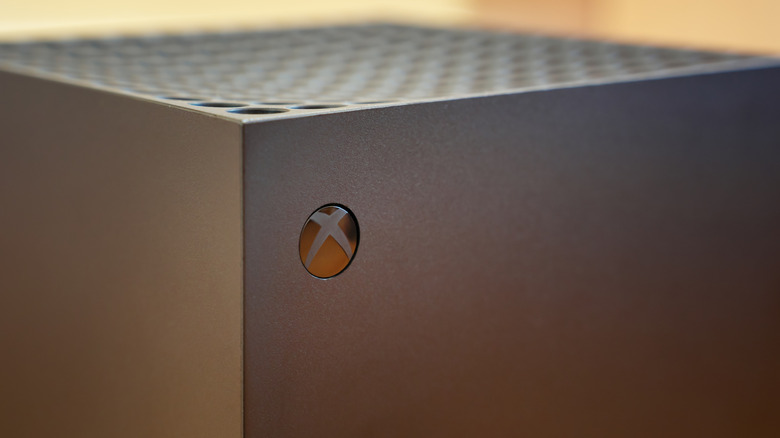

$499.99 on your Xbox Series X, it’s wise to ensure you’re aware of every concealed feature and integration that Microsoft has embedded in its high-performance gaming console. The Xbox Series X has been available for about five years now, and while discussions regarding Microsoft’s PC/console hybrid “Project Helix” are intensifying, the Series X remains a significant gaming and entertainment center thanks to Game Pass, backward compatibility, and additional features. Due to the recent decrease in Game Pass prices, Xbox is once again among the most feature-rich gaming consoles ever. This includes games from the original Xbox all the way to current-generation titles.
By adjusting advanced settings like spatial audio, cross-platform social functionalities, and digital library sharing, players can drastically alter their gaming experience while saving on software costs. There are numerous impressive Xbox Series X features that players may not be aware of, and the same goes for the Xbox controller, but this article focuses on maximizing your Xbox Series X experience. Have you already checked off all the performance-enhancing options for your Xbox Series X and are eager to discover what more it can offer? Then this article is tailored for you.