
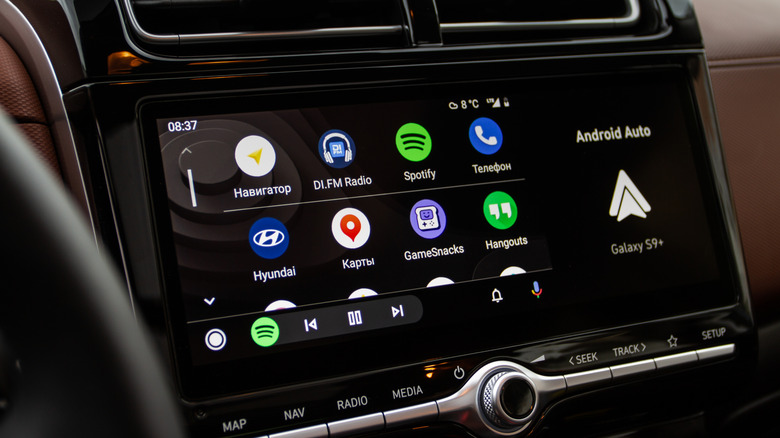

Google Gemini has impressive features for Android Auto, but we’re eager to explore ways for users to maximize the technology.
With the updated Gemini assistant, Android Auto users can manage their navigation quite effortlessly. Adding stops or retrieving specific information has become simpler, as there’s no need to remember particular commands for it to respond to your inquiries. It’s convenient for maintaining focus on the road, and it can handle various tasks like responding to messages or offering details about nearby restaurants.
Initiating Gemini on Android Auto is fairly simple — just ensure you have the Gemini app installed on your mobile device. You’ll notice a tooltip on your vehicle’s display indicating the availability of the AI assistant. From this point, you can access Gemini by saying “Hey Google,” tapping the microphone icon on your screen, or pressing and holding the voice command button on your steering wheel. Keeping this in mind, there might also be some crucial Android Auto applications you should consider installing if you’re truly looking to enhance your experience while driving.